
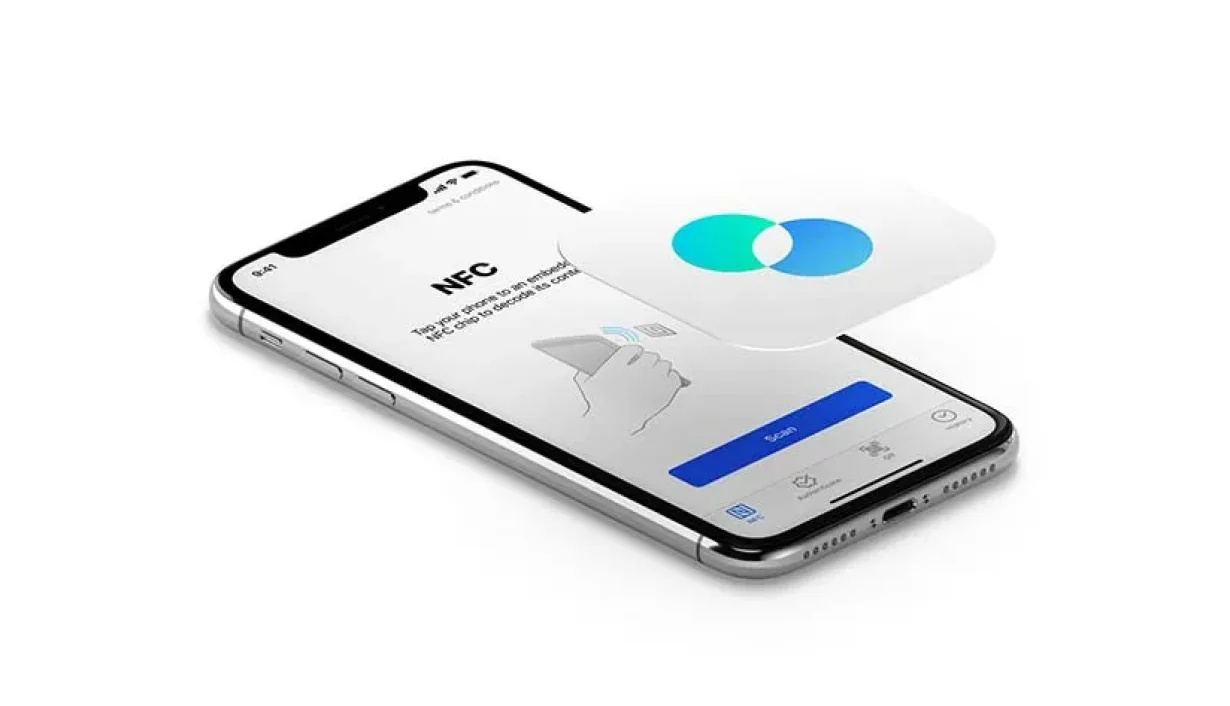
Your phone suddenly lights up with a notification about an unfamiliar NFC tag. You haven’t opened an app or scanned anything, so the message seems unexpected.
Usually, there’s a straightforward explanation. Modern smartphones can communicate with nearby contactless objects, sometimes without requiring you to launch an app.
The message nfc tag detected simply indicates that your phone has recognized a compatible chip within its scanning range. It doesn’t automatically mean someone accessed your information or connected to your device.
Why Your Phone Recognizes Nearby NFC Tags
Near Field Communication (NFC) is a wireless technology designed for exchanging small amounts of information over very short distances, typically a few centimeters.
Unlike Bluetooth, NFC generally doesn’t require pairing before detecting a compatible tag. Your phone generates a radio-frequency field that can power certain passive chips and read their stored information.
You might encounter these chips in:
- Contactless payment cards and transit passes
- Smart posters and product packaging
- Hotel access cards and electronic key fobs
- NFC stickers programmed to open websites
- Digital business cards and compatible accessories
Detection doesn’t necessarily mean your phone successfully reads everything stored on the chip. Different tags use different formats, permissions, and security protections.
The Connection Between NFC and RFID Cards
NFC belongs to the broader family of radio-frequency identification technologies. Both systems communicate through radio waves, but their operating ranges and technical capabilities can differ.
Many RFID Cards used for building access, inventory tracking, and transportation contain passive chips. These chips respond when a compatible reader produces the appropriate electromagnetic field.
However, not every RFID card works with a smartphone. NFC typically operates at 13.56 MHz, while other identification systems use different frequencies and protocols.
A phone might recognize certain contactless transit cards but fail to detect an older office access badge. Compatibility depends on the card’s technology, not simply its appearance.
Everyday Situations That Trigger the Alert
One surprisingly common cause is keeping your phone against a wallet or cardholder.
If your wallet contains compatible RFID Cards, the phone’s NFC antenna may detect a nearby chip. This can happen when both items share a pocket or rest together on a desk.
Phone cases with card slots create similar situations. A contactless card positioned near the handset’s antenna can repeatedly trigger detection.
Other triggers include tapping an NFC-enabled product label, placing your phone near a programmed sticker, or touching a compatible access terminal.
On some Android devices, an alert may appear when the phone recognizes a tag but cannot process its contents. The exact wording varies by manufacturer and software version.
Does the Notification Mean Your Phone Is at Risk?
An NFC detection notification alone isn’t evidence of hacking, tracking, or stolen financial information.
Reading a basic tag is different from authorizing a payment or accessing protected card data. Contactless payment systems use additional security measures, including cryptographic authentication.
Still, unfamiliar tags deserve reasonable caution. Some programmable NFC stickers contain website links that could direct users toward phishing pages.
Avoid opening suspicious links automatically. If an unexpected website appears after scanning a tag, check its address before entering passwords or personal information.
Stopping Repeated NFC Notifications
If the alert appears frequently, start by separating your phone from nearby contactless cards.
Remove cards from the phone case and check whether the notification disappears. This quick test often identifies the source without changing any settings.
On many Android phones, you can also disable NFC through Settings, usually under Connections or Connected Devices. Menu names vary depending on the device.
iPhone users generally have fewer system-wide NFC controls. Background tag reading depends on the iPhone model, iOS behavior, and the type of tag involved.
If notifications continue, restart your phone and check for software updates. Persistent alerts without any nearby tags may warrant further troubleshooting.
A Small Notification With a Simple Explanation
Seeing nfc tag detected usually means your smartphone encountered a compatible contactless chip. The alert itself doesn’t establish that sensitive information was transferred.
Keep unfamiliar tags away from your phone, avoid suspicious links, and adjust NFC settings where available.
Visit this website: When Private Transportation Makes the Journey Easier
For people carrying RFID Cards alongside their phones, simply changing where those cards are stored may be enough to prevent repeated alerts.
