
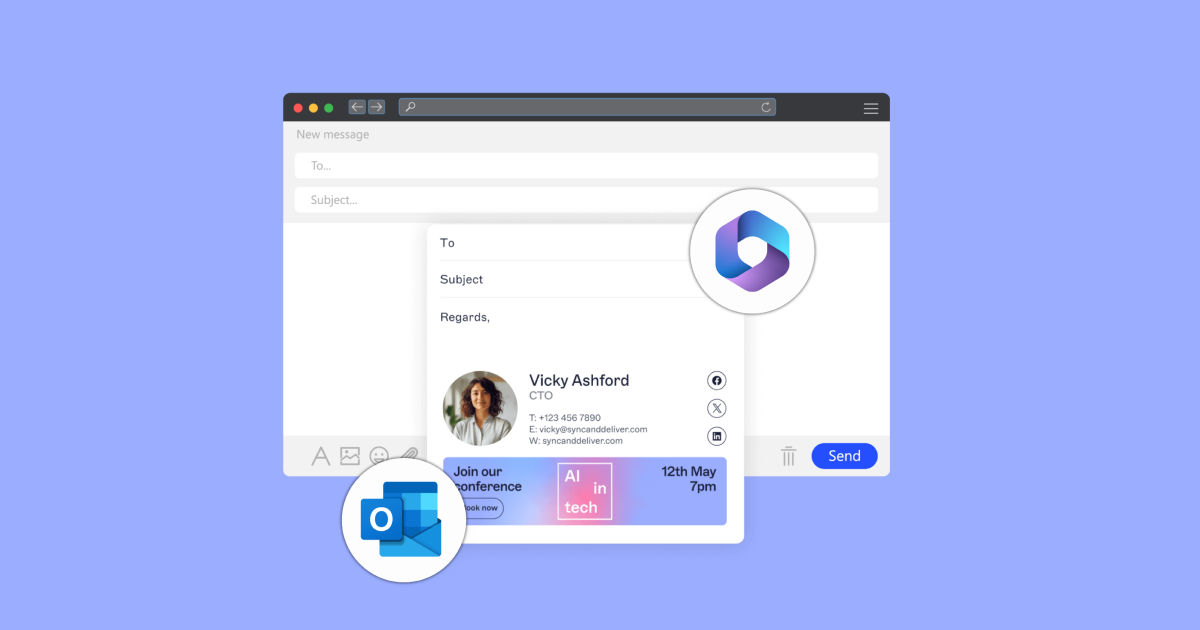
Email signatures seem like a tiny detail until you’re responsible for keeping them consistent across an entire company. One employee has an old phone number. Another is still using last year’s logo. Someone else has changed the font, added a quote, and somehow turned their signature into a miniature billboard.
For a team of five, you can probably fix these problems manually. For 50, 500, or 5,000 people, that approach quickly becomes difficult to control. This is where centralized email signature management starts making practical sense.
The Problem Isn’t Creating a Signature
Designing one good email signature isn’t particularly difficult. You need the person’s name, role, contact details, company branding, and perhaps a disclaimer or promotional banner.
The real challenge is making sure the correct version appears every time an employee sends an email.
Microsoft 365 organizations often have people sending messages from different places, including desktop Outlook, browsers, phones, and tablets. Employees may also work remotely or move between devices throughout the day.
If each person is responsible for maintaining their own signature, inconsistencies are almost inevitable.
A centrally managed system changes the process. Instead of asking hundreds of employees to update their signatures individually, administrators can control them from one place. That’s one of the main reasons organizations consider email signature software for Microsoft 365 once manual management becomes too time-consuming.
Small Errors Multiply Across a Large Team
Imagine a company has 300 employees and changes its main office phone number.
With manually managed signatures, someone needs to tell every employee about the change. Employees then need to edit their own signatures, assuming they read the announcement and know where the setting is.
Most people will update it. Some won’t.
Now the company has two phone numbers appearing in outgoing messages.
The same problem occurs when someone changes roles, a department gets renamed, a new logo is introduced, or the company updates its website details.
One incorrect signature isn’t a disaster. Hundreds of inconsistent signatures sent thousands of times can become a much bigger branding and administrative headache.
Directory Data Can Reduce Repetitive Work
A useful approach is to build signatures using information already stored in an organization’s directory.
Instead of manually typing each employee’s name, title, department, and contact details into separate templates, signature fields can pull the relevant information from directory records.
That creates a simpler workflow.
If someone’s job title changes, the underlying employee information can be updated rather than rebuilding that person’s entire signature. The signature then reflects the current data according to the organization’s configuration.
This becomes particularly valuable when employees regularly join, leave, or change positions.
It Also Reduces Copy-and-Paste Mistakes
Manual templates invite small errors.
A person might accidentally leave another employee’s extension in a copied signature. Someone could delete part of the disclaimer. Another employee might resize the logo until it looks completely different from everyone else’s.
Central control limits how much individual users need to edit themselves.
For IT teams, that’s often the real benefit. They aren’t spending their time fixing formatting problems that shouldn’t require individual attention in the first place.
Device Consistency Matters More Than It Used To
Employees rarely send every business email from one computer.
Someone might write most messages using desktop Outlook during office hours, reply through a browser while working remotely, and answer an urgent message from their phone later that evening.
If signature settings aren’t consistent across those environments, recipients may receive noticeably different versions depending on where the message originated.
That’s easy to overlook during initial setup because everything looks fine on the administrator’s computer.
Testing should include the actual devices and Outlook environments employees use. Check new messages, replies, and forwards. Look at how images display and whether long contact information breaks awkwardly on smaller screens.
The goal isn’t simply to make the signature look attractive in a template editor. It needs to survive everyday email use.
Different Departments Don’t Always Need the Same Signature
Centralized management doesn’t necessarily mean giving everyone an identical signature.
A sales team might need a booking link or promotional banner. Customer support may need different contact details. Executives could require a simpler format, while employees in particular regions might need specific legal information.
Rules allow organizations to maintain a common visual identity while changing selected elements according to the sender.
This is far easier than creating dozens of unrelated templates and hoping employees choose the correct one.
It also makes temporary changes more manageable. A marketing campaign, for example, might require a banner for only one department and only for a limited period.
Disclaimers Are Hard to Manage Manually
Legal and compliance requirements add another reason to avoid relying entirely on individual employees.
A required disclaimer isn’t very useful if employees can accidentally delete it.
Organizations operating across several countries or business units can face an even trickier problem because the appropriate wording may differ depending on the sender, recipient, or situation.
Central rules can help organizations apply required information according to predefined conditions instead of expecting employees to remember which wording belongs on which message.
Of course, software doesn’t decide what your legal obligations are. The appropriate disclaimer and rules should still be determined by the people responsible for legal or compliance matters.
Branding Changes Become Much Less Painful
A rebrand exposes the weaknesses of manual signature management very quickly.
Perhaps the company introduces a new logo and changes its brand colors. With individually maintained signatures, instructions have to be distributed and employees need to make the changes themselves.
Weeks later, somebody will probably still be sending emails with the old design.
With centralized management, the organization can change the template rather than chasing individual employees.
The same principle applies to smaller updates. Changing an address, adding a certification, replacing a promotional banner, or removing outdated information becomes an administrative task rather than a company-wide project.
Know When Manual Management Has Reached Its Limit
There’s no magic employee number where centralized signature management suddenly becomes necessary.
A small company with stable branding and few compliance requirements may be perfectly comfortable managing signatures manually. Adding software simply because it exists doesn’t automatically improve anything.
The warning signs are operational.
If IT regularly receives requests to fix signatures, employees use noticeably different designs, outdated information keeps appearing, mobile messages lack required details, or company-wide changes take days to complete, the existing process is probably creating unnecessary work.
That’s the point where automation becomes less about making signatures prettier and more about removing a repetitive administrative problem.
Treat Email Signatures as Shared Infrastructure
An email signature may occupy only a few lines at the bottom of a message, but large organizations can send enormous numbers of emails. Small inconsistencies therefore get repeated again and again.
Microsoft 365 teams don’t necessarily need complicated signature systems. They need a dependable way to control information, branding, and required messaging without asking every employee to become their own email administrator.
Manual signatures can work perfectly well while a company is small. As the organization grows, though, centralized management can turn a surprisingly persistent source of busywork into something that mostly takes care of itself.
